Give your AI agent eyes: screenshots over MCP
An MCP screenshot server lets an AI agent such as Claude Code, Cursor, VS Code Copilot or Codex list, fetch, search and (if you allow it) take screenshots on your Mac. Zinxo includes one: add `Zinxo mcp` to your client’s MCP config and the agent gets list_screenshots, get_screenshot, search_screenshots and capture tools, running on your own AI plan.
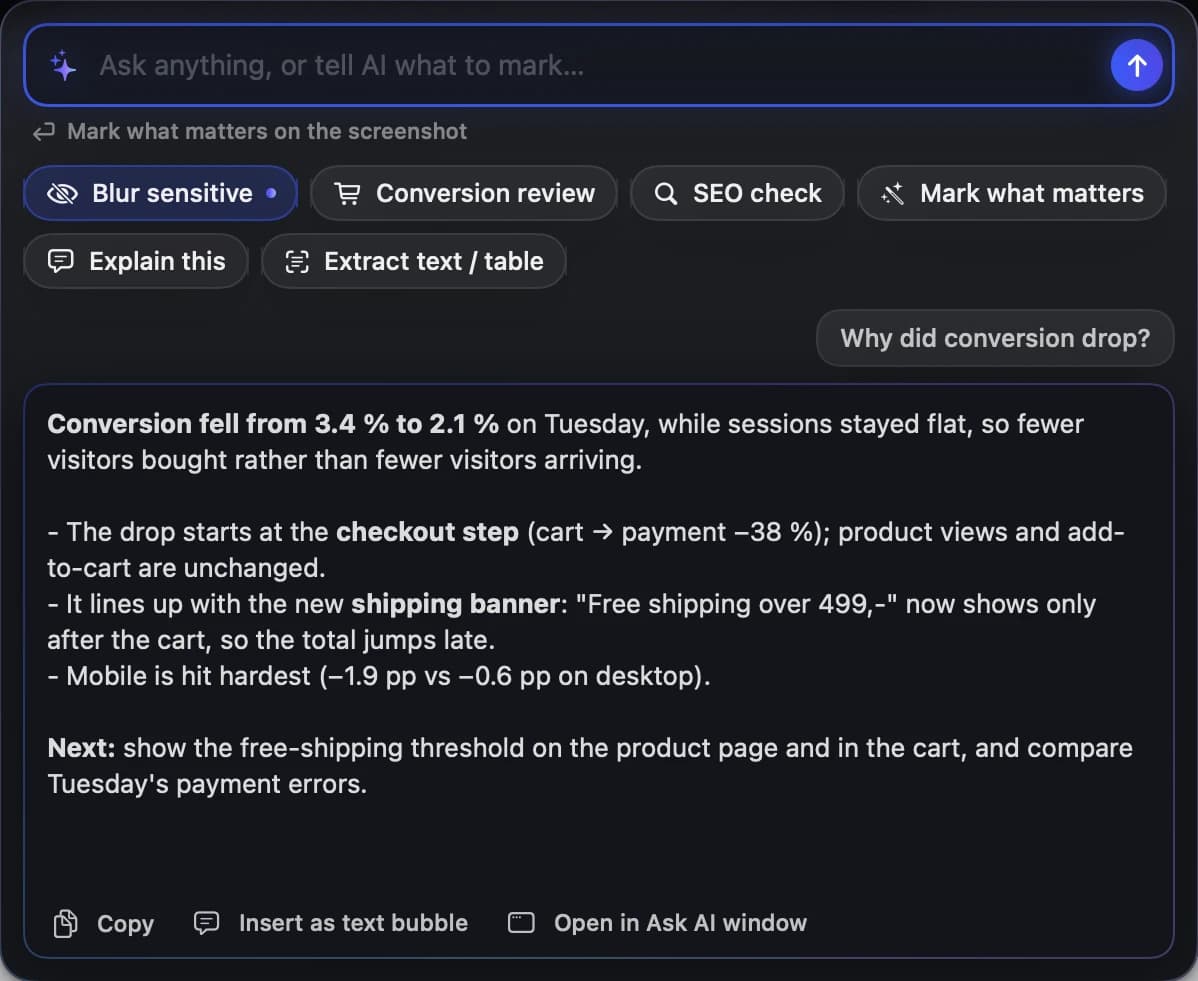
MCP (Model Context Protocol) lets an AI app call tools on your machine. A screenshot MCP server gives your agent three abilities: look at the screen now, fetch the latest screenshot, and search old screenshots by their text.
The tools
| Tool | What it does |
|---|---|
| list_screenshots(limit?, query?) | Recent captures: id, time, app, window, URL, caption, OCR snippet |
| get_screenshot(id | "latest") | The image (downscaled to ≤ 1568 px) plus OCR text, metadata and file path |
| search_screenshots(query) | Search OCR text, caption, tags, app, window and URL |
| capture(mode: window | screen, app?) | Asks the running app to take a screenshot (opt-in) |
Setup
- Install Zinxo in ~/Applications and open it once.
- Claude Code: run the command below, or click Settings → Agents → Add to Claude Code.
- Cursor or Claude Desktop: add an mcpServers entry named "zinxo" with command ~/Applications/Zinxo.app/Contents/MacOS/Zinxo and args ["mcp"] (Cursor: ~/.cursor/mcp.json). VS Code uses the same under "servers" in .vscode/mcp.json; Codex under [mcp_servers.zinxo] in ~/.codex/config.toml.
- Optional: Settings → Agents → Allow AI agents to take screenshots. Each program asks once (Deny, Allow Once, Always Allow).
- Ask: “What’s wrong on my screen right now?”
claude mcp add --scope user zinxo -- ~/Applications/Zinxo.app/Contents/MacOS/Zinxo mcpUseful prompts
- “What’s wrong on my screen right now?”
- “Find the screenshot of the checkout error from Tuesday and compare it with the current page.”
- “Read the last three screenshots and write the release notes.”
Privacy
Read-only tools read your local History; capture goes through the running Zinxo app, which holds the Screen Recording permission, over a Unix socket only your user can open. Agent captures are limited to 12 a minute per program and each one shows a notice. Requests run inside your AI app, on your plan there; Zinxo never asks for your Claude or ChatGPT login.
Related guides
- How to send a screenshot to Claude Code or Cursor on Mac
- How to search the text inside your screenshots on Mac